01 / 12
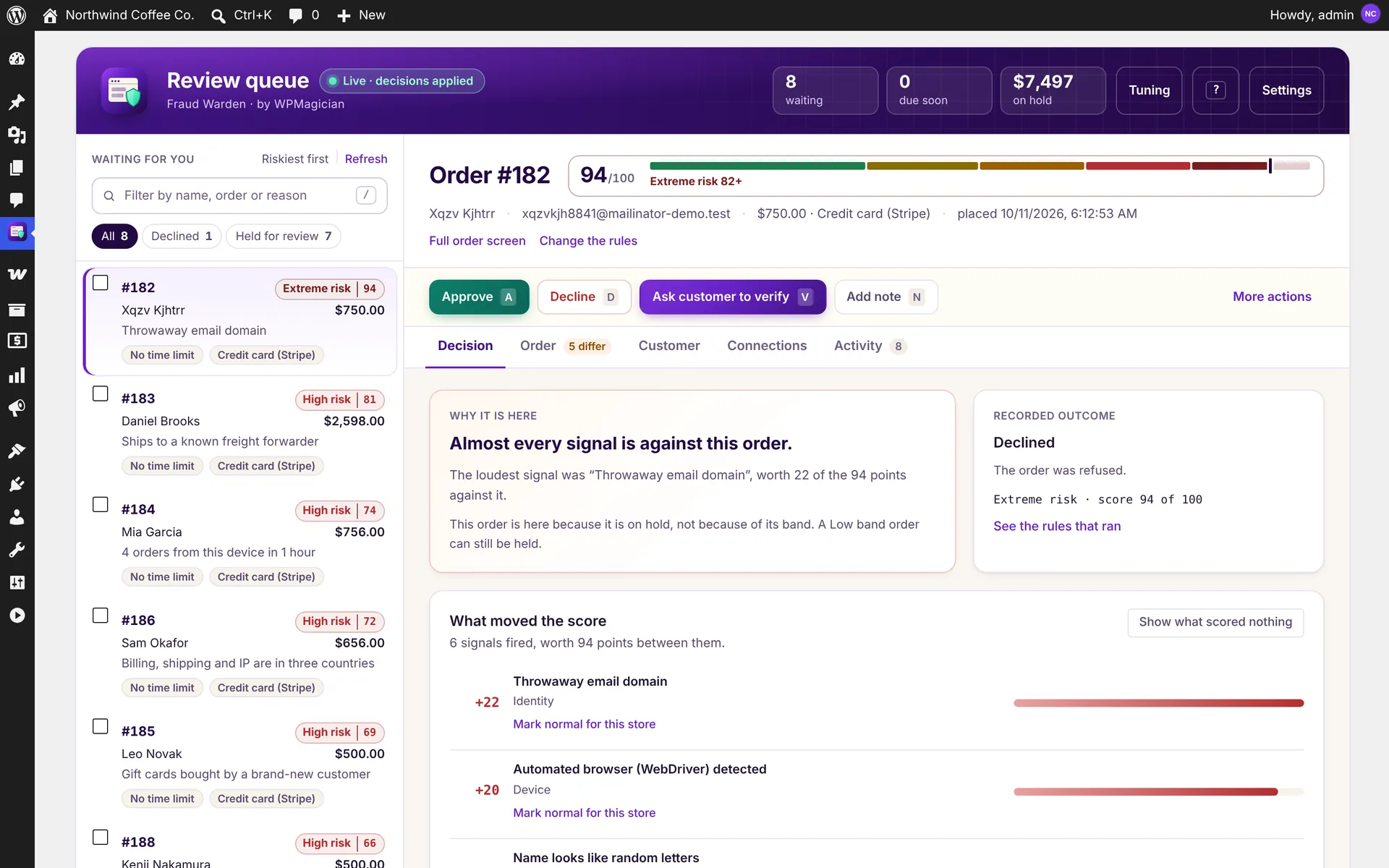
Review queue
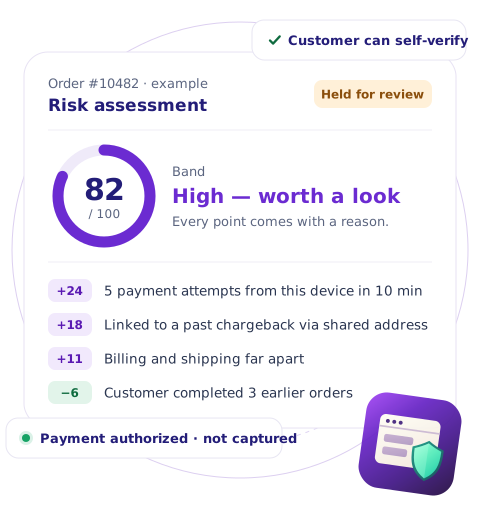
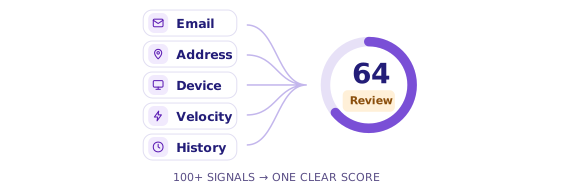
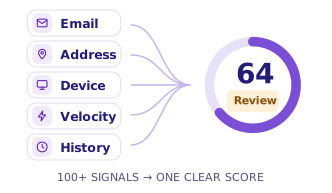
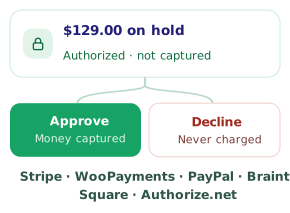
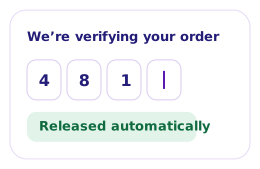
Held orders sorted by risk and time left. Approve, decline, ask the customer to verify or add a note, with a plain-English reason behind every point of the score.
02 / 12
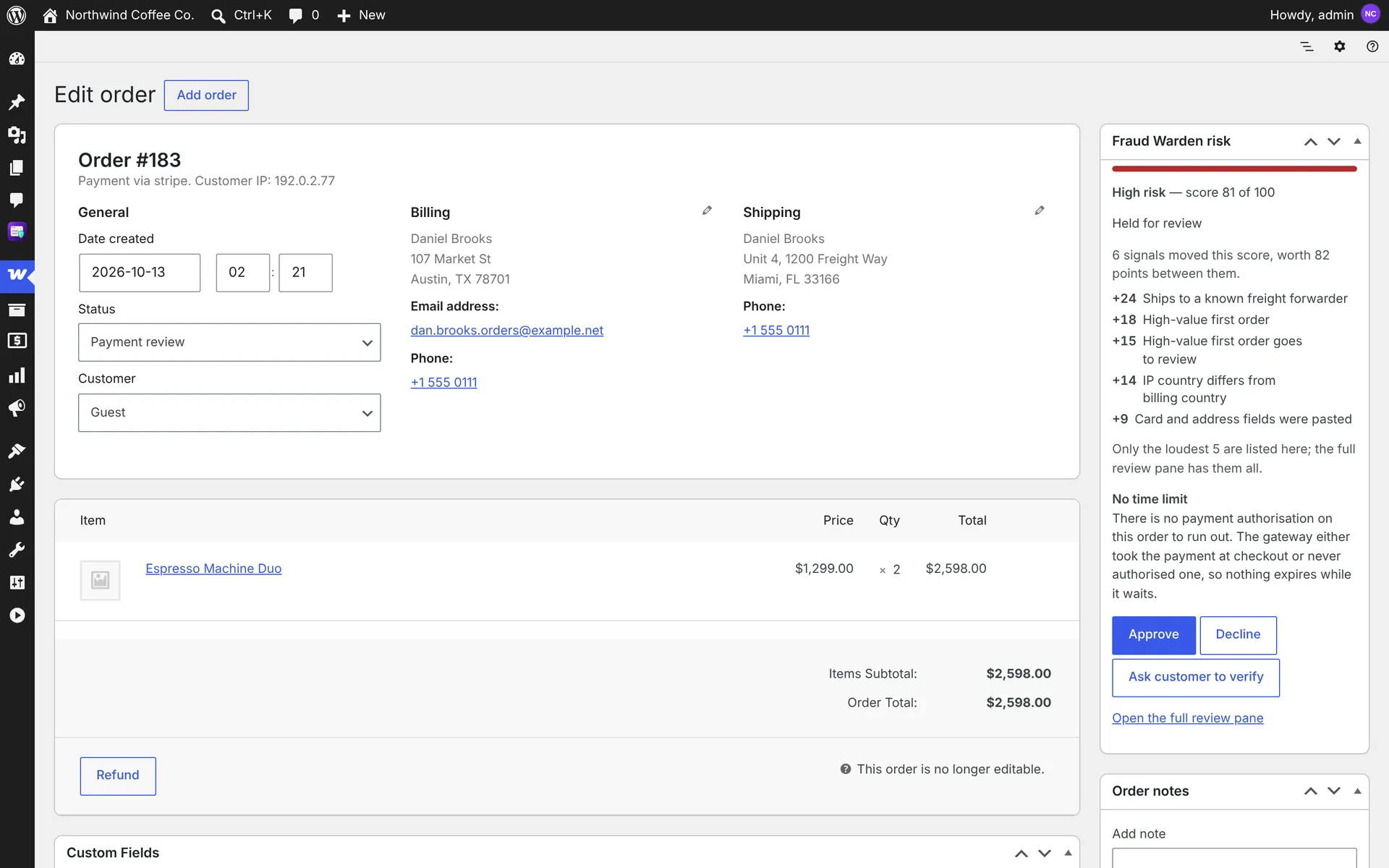
Risk box on the order screen
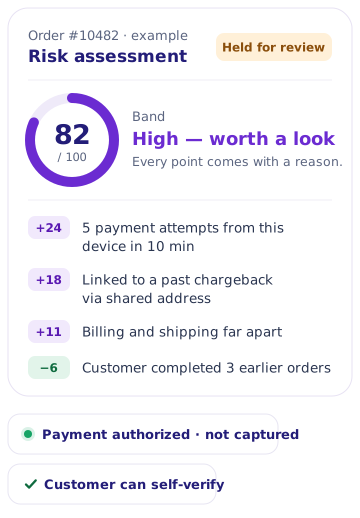
The band, the score, the loudest reasons and Approve, Decline and Ask to verify buttons, right on the WooCommerce order screen.
03 / 12
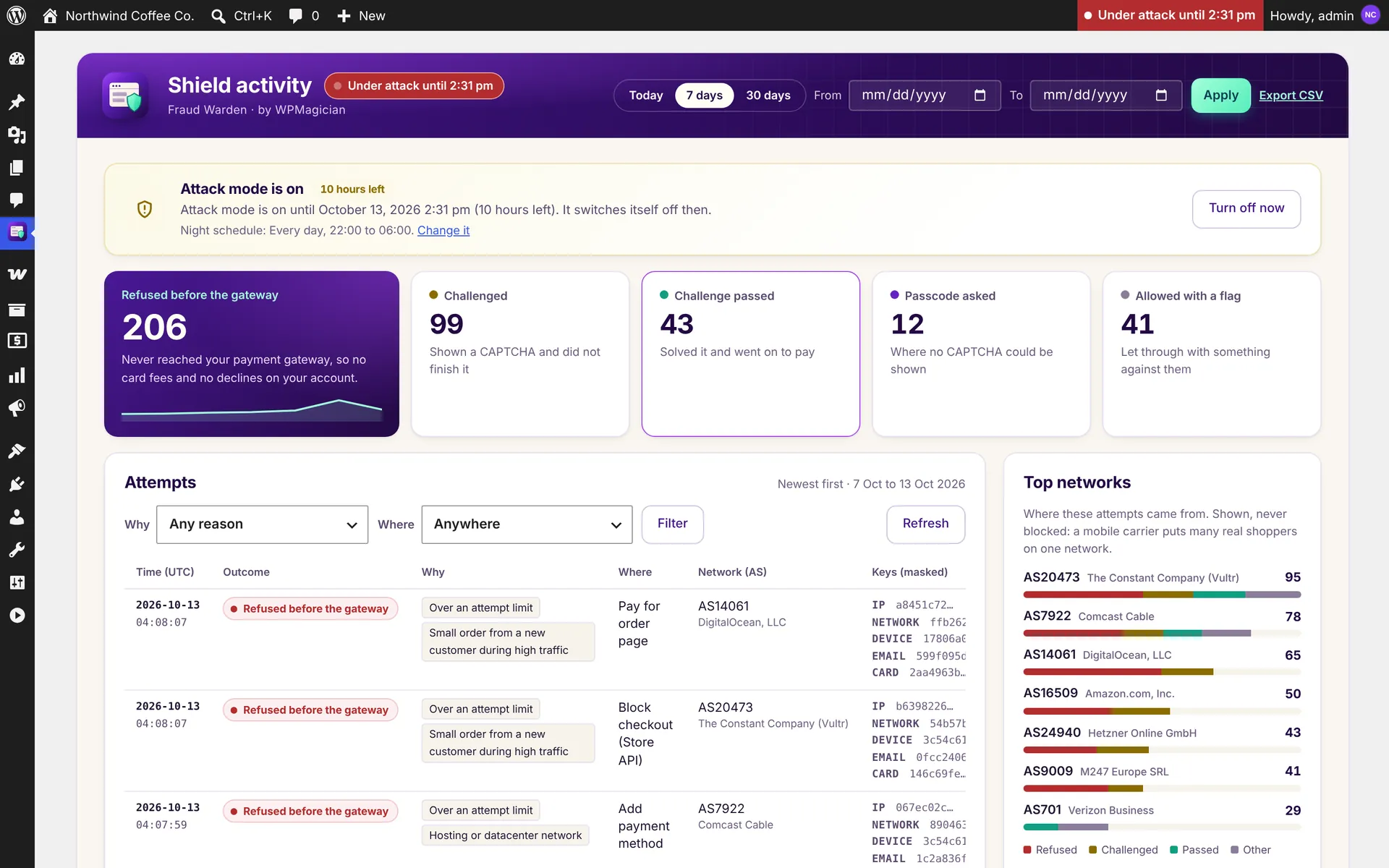
Shield activity
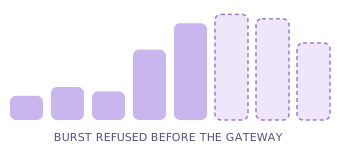
Every card-testing attempt refused or challenged, with tiles, top networks, reasons, filters and CSV export.
04 / 12
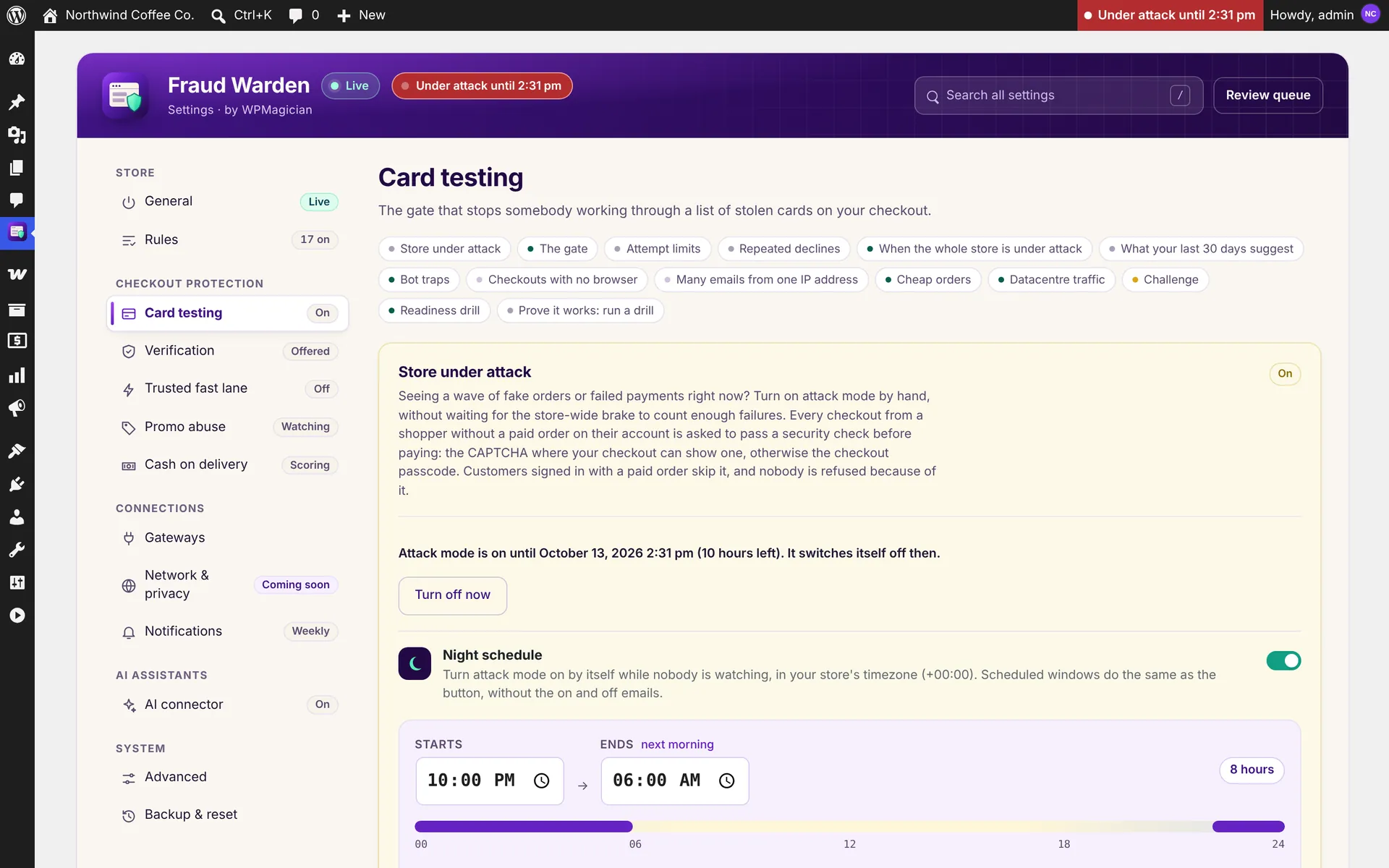
Store under attack
One button turns attack mode on for 1 to 24 hours. A night schedule can switch it on automatically while nobody is watching.
05 / 12
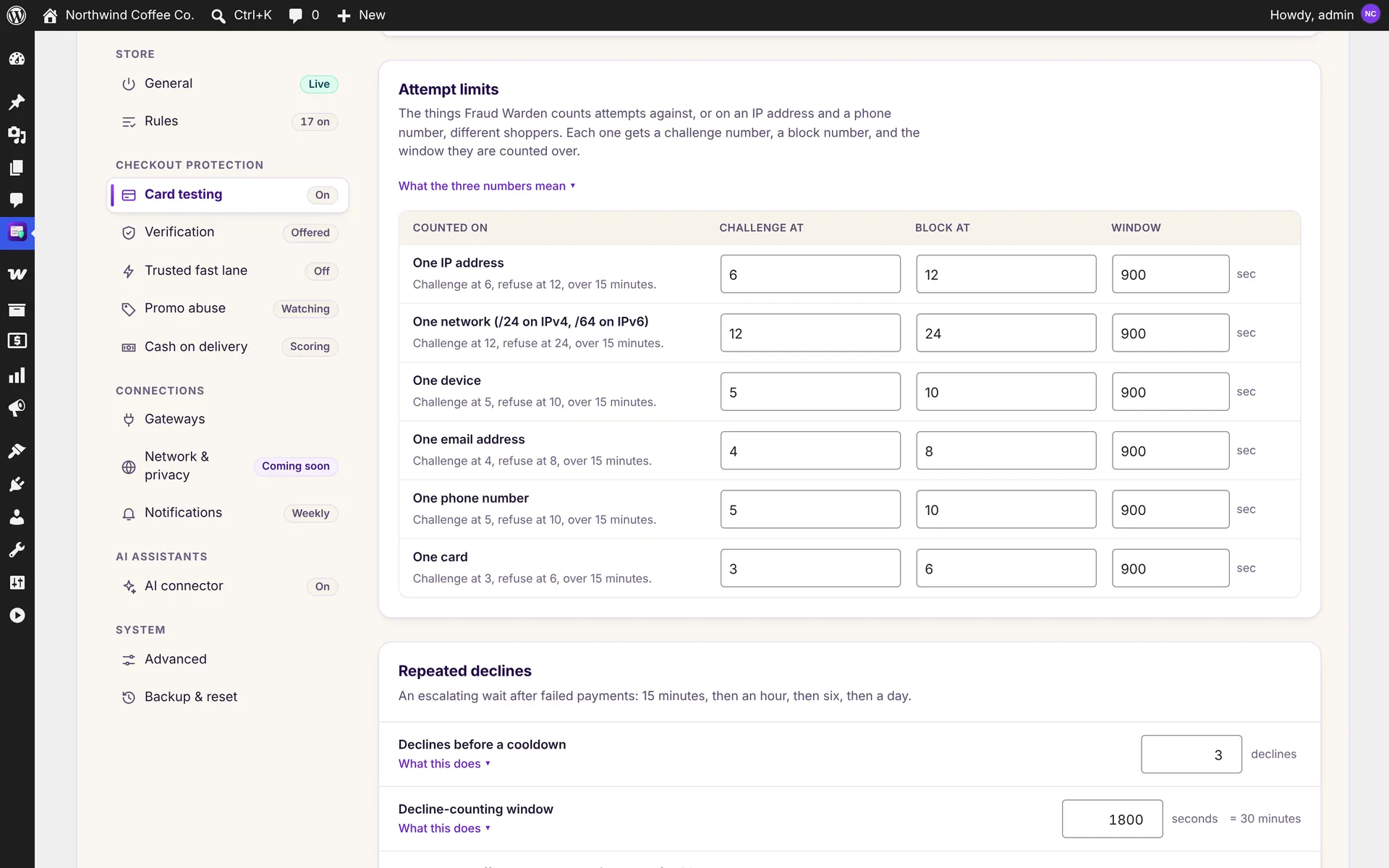
Attempt limits
Challenge and block levels for each IP, network, device, email, phone and card, plus an escalating wait after repeated declines.
06 / 12
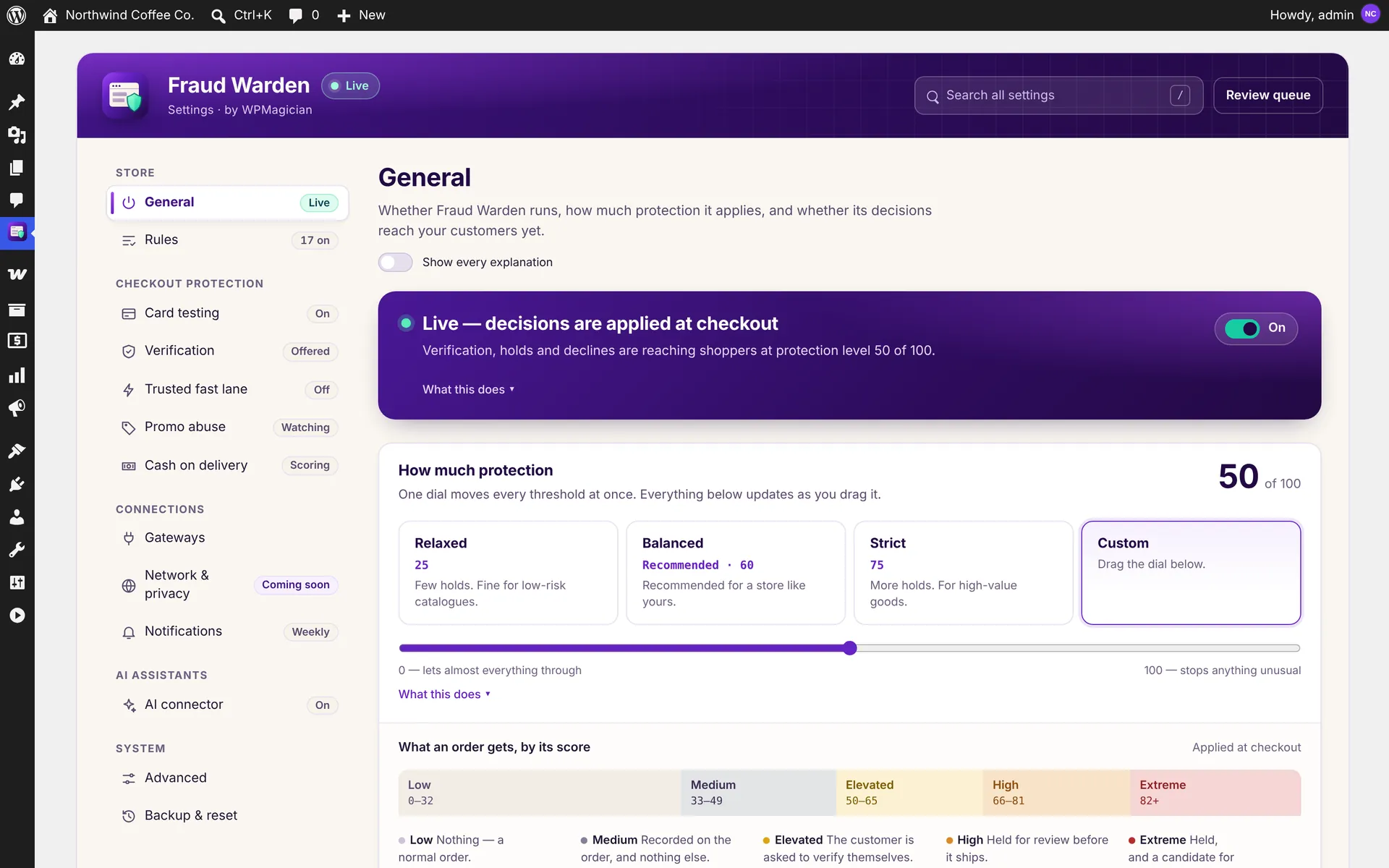
Protection dial
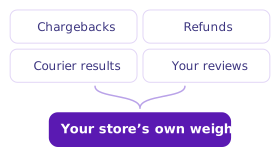
One dial from relaxed to strict, with presets and a ruler showing what an order gets in each risk band.
07 / 12
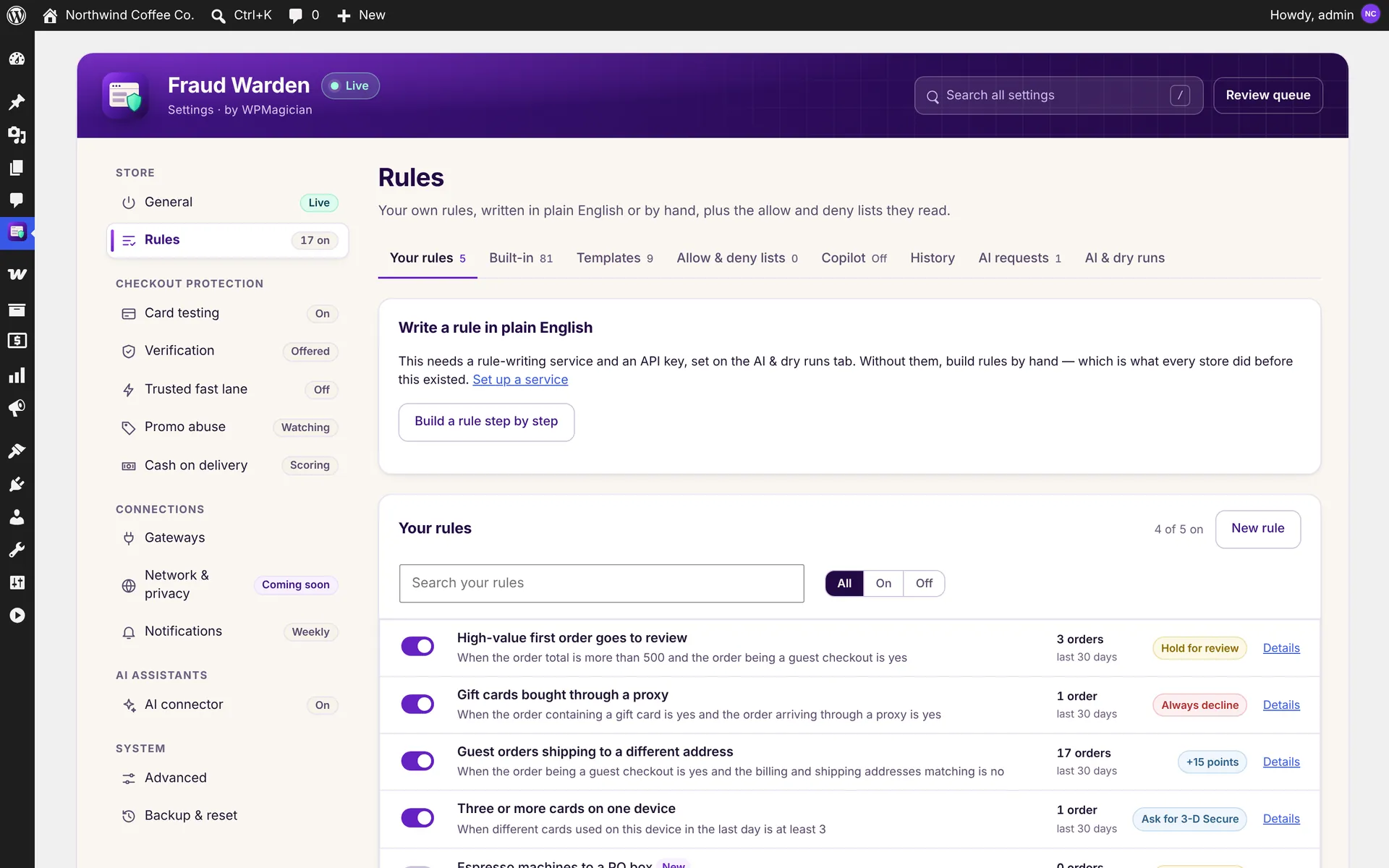
Your rules
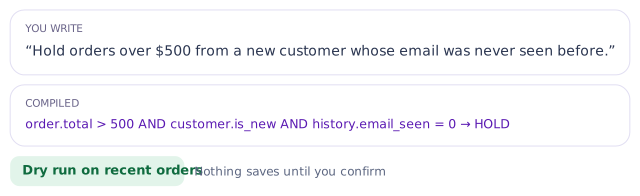
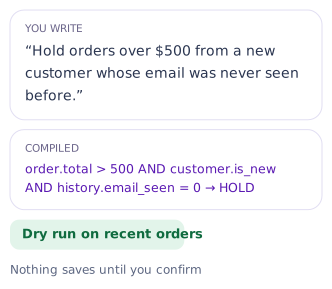
Write rules in plain English or build them step by step. See 30-day hit counts, templates, allow and deny lists and the full history.
08 / 12
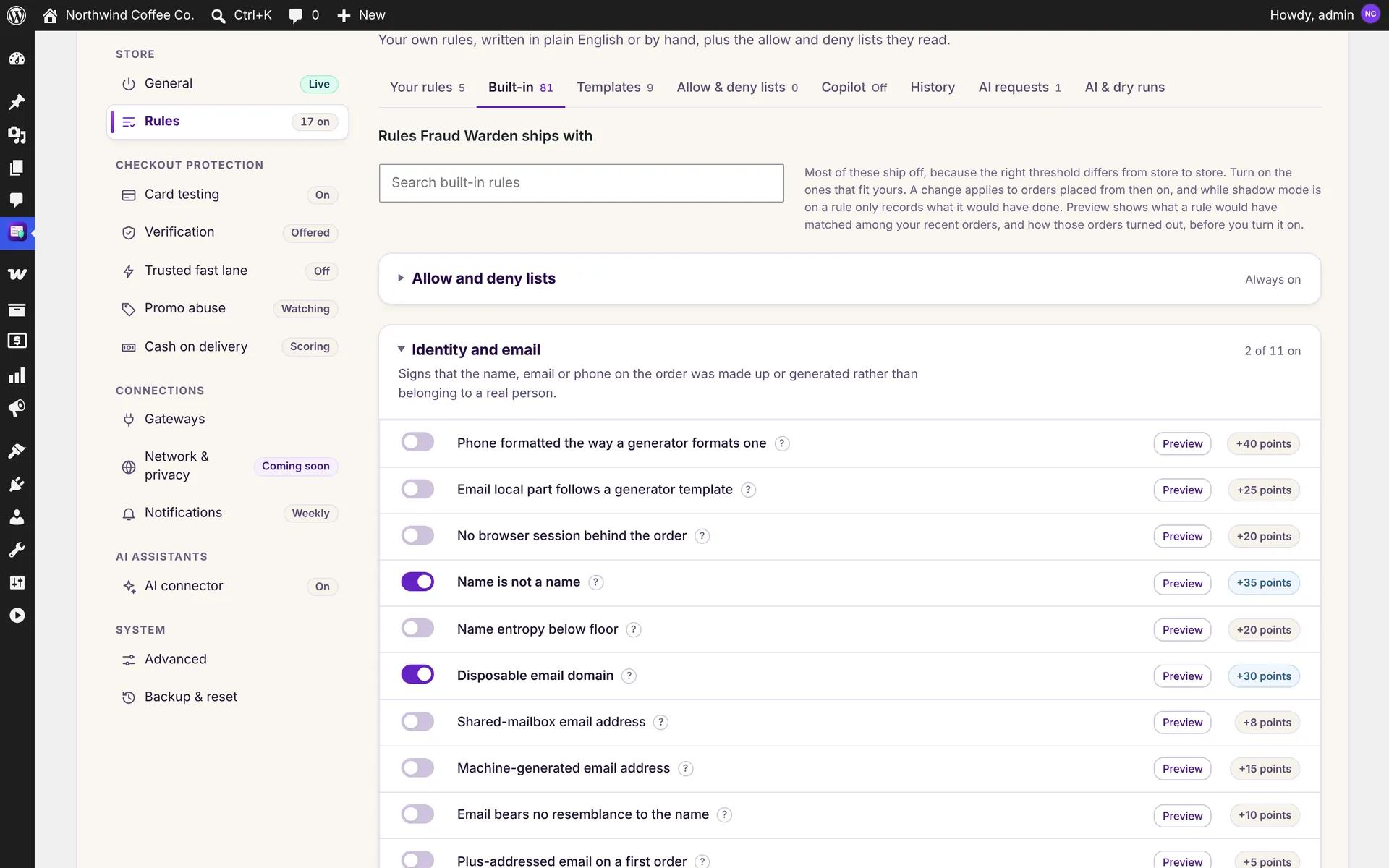
81 built-in rules
Ready-made rules in 11 families. Preview any rule on your recent orders before you switch it on.
09 / 12
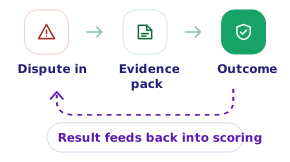
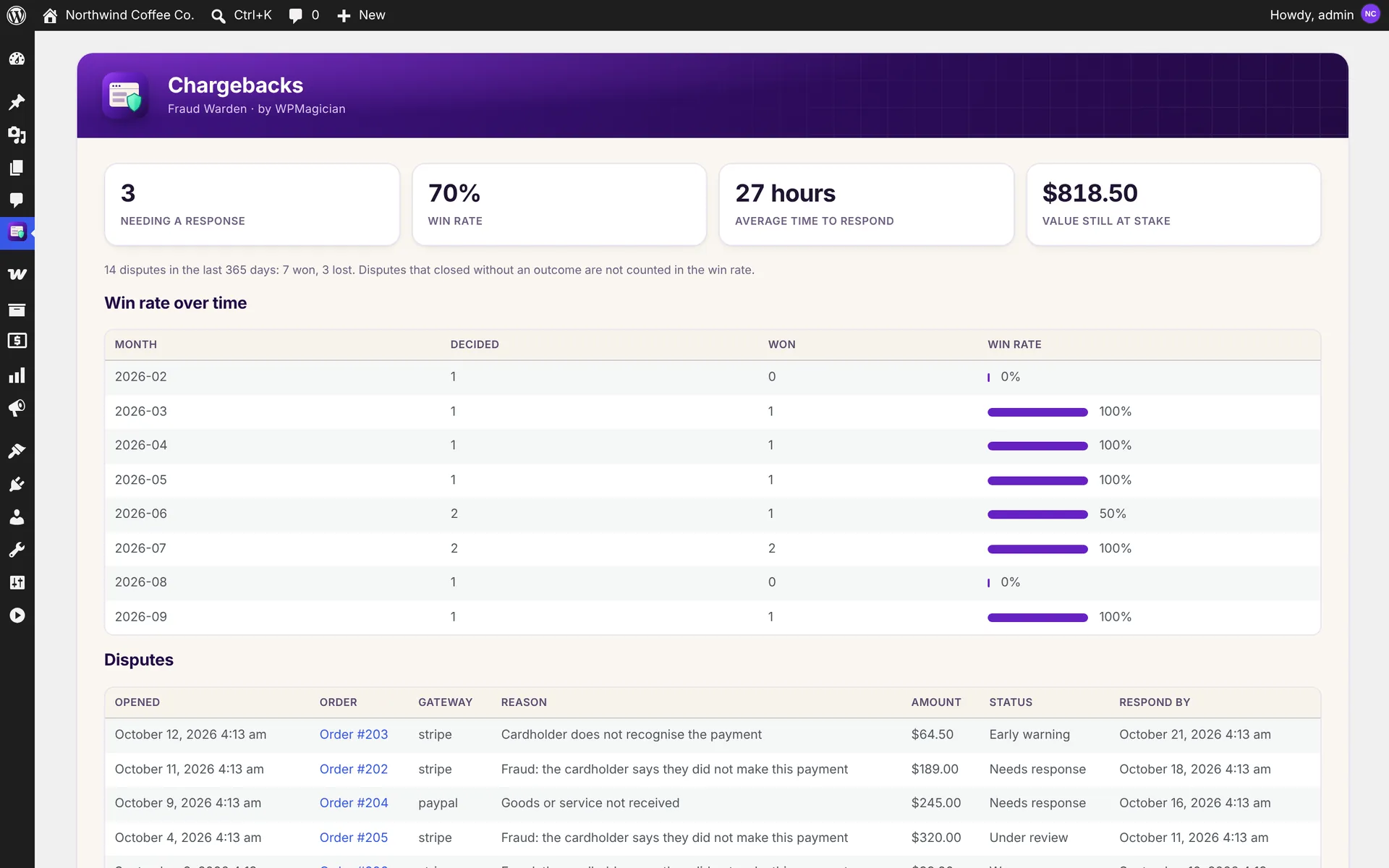
Chargebacks
Disputes, win rate and response time in one place, with an evidence package for every dispute.
10 / 12
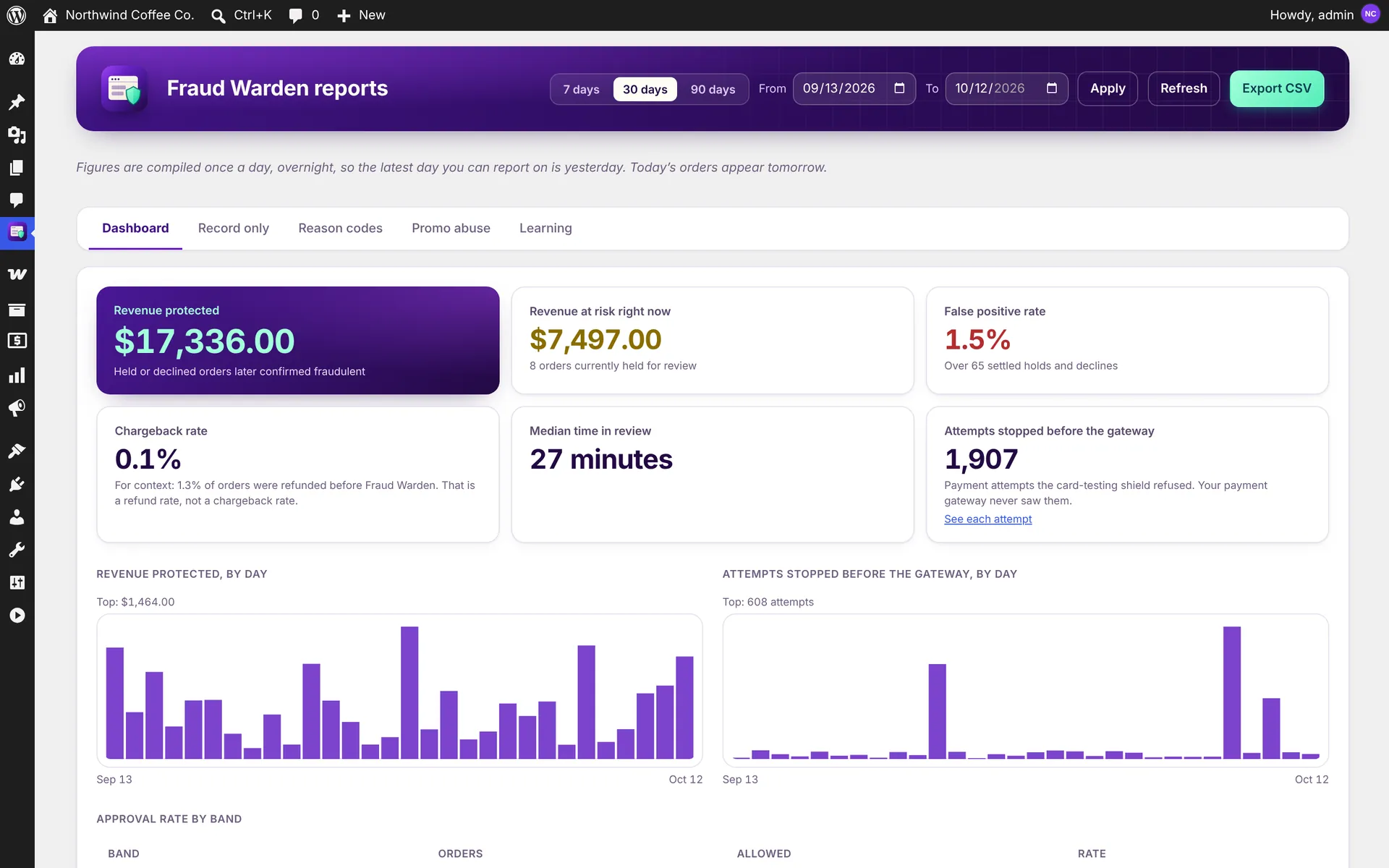
Reports
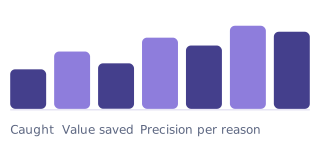
Revenue protected, revenue at risk, false-positive rate and attempts stopped before the gateway, day by day.
11 / 12
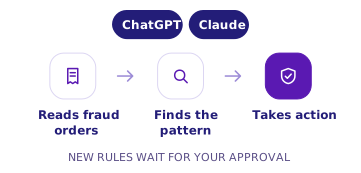
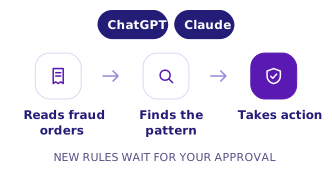
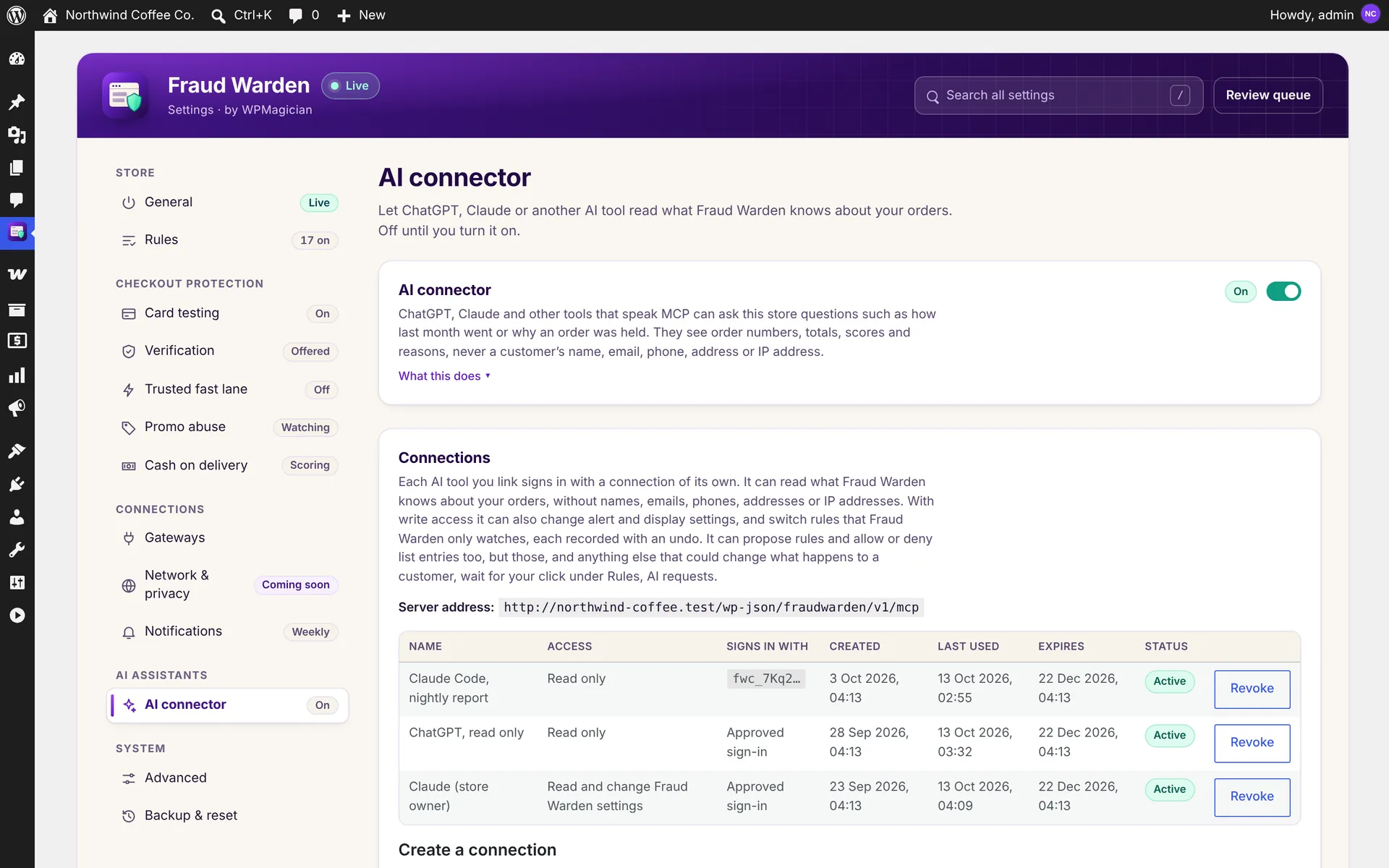
AI connector
Connect ChatGPT, Claude or another AI app with read-only or read-and-change access. Every connection expires and can be revoked.
12 / 12
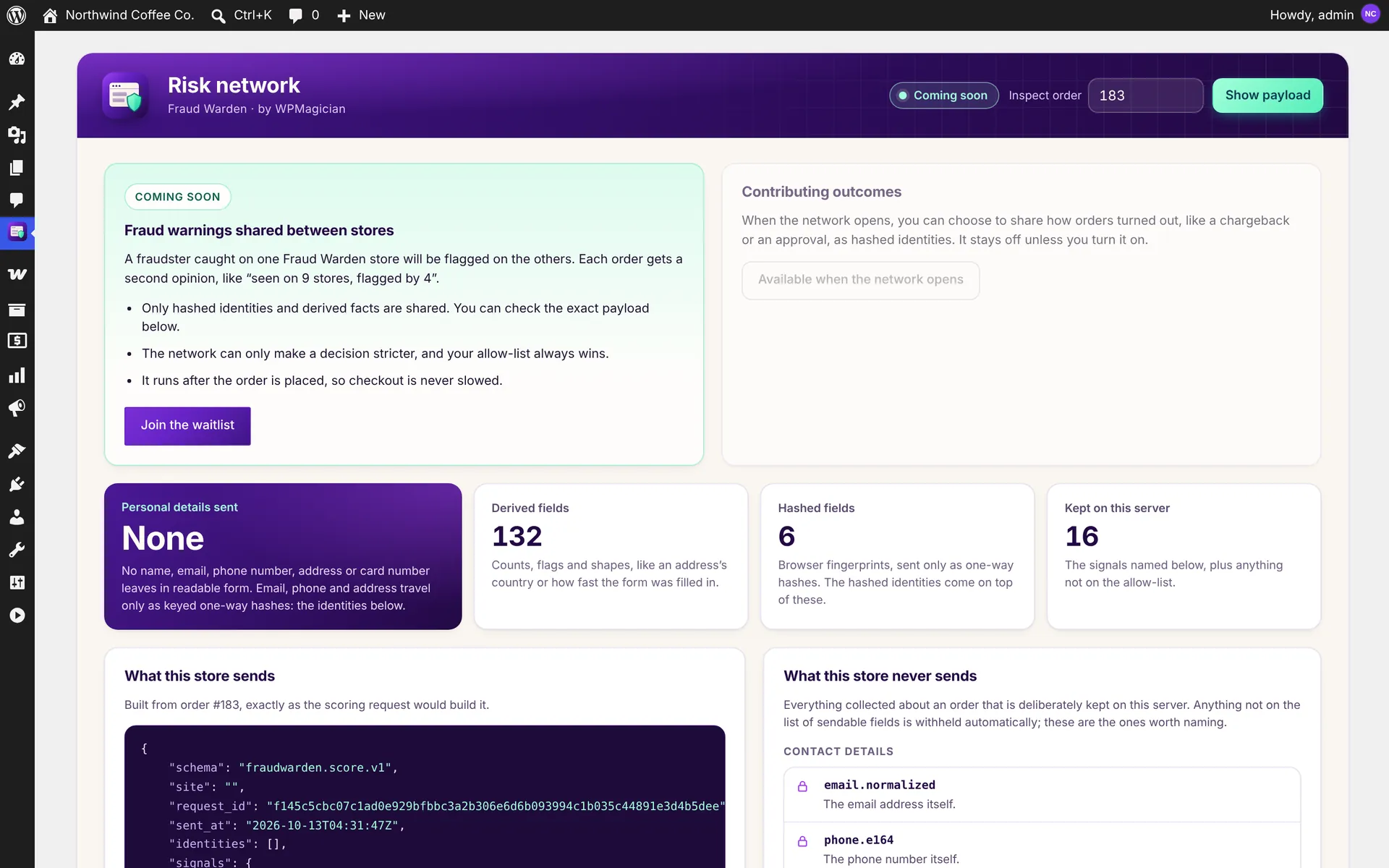
Risk network preview
Coming soon: fraud warnings shared between stores as hashed identities. You can already inspect exactly what one of your orders would send.